

Every room in a school has its own communication needs. A cafeteria during lunch is a completely different beast than the school library at 9 a.m. We’ve spent 50 years figuring out what works where, and this guide breaks it all down, room by room.
Jump to a Room Type:
Classrooms
Classroom instruction works better when students can hear the teacher and the start and dismissal bells, even over a crackling intercom announcement.
Here’s what we build into K-12 classroom environments:
Recommended AV Components
Classroom Audio Enhancement System:
Teachers shouldn’t have to raise their voice to reach the back row. Infrared and RF-based systems project the teacher’s voice evenly across the room, which also reduces vocal fatigue over a full school day. Research consistently links better audio intelligibility to stronger learning outcomes.
IR or RF Pendant Microphone for Teachers:
A lightweight wearable mic that picks up natural speech without tethering the teacher to a podium.
Ceiling or Wall-Mounted Speakers:
Strategically distributed speakers eliminate hotspots and dead zones. Every student hears the same quality of sound regardless of where they’re seated.
IP Intercom Station:
Two-way communication with the main office, in-room emergency call capability, and zone paging from the front desk. The Rauland TCU is a strong fit here; it’s built specifically for the security demands of school environments.
Synchronized Clock System:
GPS-synced or network-controlled clocks keep every room on the same schedule. Bell tones, class-change music, and announcements all run through the same system, clearly and promptly.
Interactive Display or Projector with Screen:
A modern flat panel or short-throw projector gives teachers a flexible canvas for presentations, lessons, and collaborative exercises. Paired with the right input management, it’s easy to use even for staff who aren’t particularly tech-forward.
PA System Integration:
Classroom speakers tie directly into the school’s PA system so emergency announcements reach every room instantly, without needing a separate speaker or device.
We design classroom AV with the teacher and the spec sheet in mind. If it’s hard to use on a Tuesday morning before coffee, it won’t get used.


Auditoriums
Graduation ceremonies, assemblies, performances, guest speakers, and community events happen at school auditoriums.
The last thing you want is for the tech to become the main event. Nobody wants their high school graduation ceremony to be marred by crackling microphones.
Recommended AV Components
Line Array or Distributed Speaker System:
A properly designed speaker system delivers clear sound consistently. Line arrays are ideal for larger auditoriums; distributed ceiling or pendant speakers work well in medium-sized multipurpose rooms.
Digital Signal Processor (DSP):
The DSP controls equalization, routing, delay, and dynamics so the output matches the room’s acoustics. It also makes it easy to switch between presets for different event types, a speech setting versus a live music setup, for example.
Wireless Microphone System:
Handheld and lapel wireless mics give presenters and performers the freedom to move. A well-designed system supports multiple simultaneous channels without interference.
Mixing Console or Digital Audio Controller:
Whether it’s a staff member running a quick assembly or a student-run sound crew for a concert, the mixing interface needs to be approachable. Modern digital consoles save scene presets, so recurring events run without a full soundcheck every time.
Large-Format Display or Projection System:
Rear-projection screens, front-throw projectors, or large LED displays provide a clear visual reference for audiences during presentations and performances.
Stage Monitor Speakers:
Performers on stage need to hear themselves and each other. Floor wedge monitors or in-ear monitoring systems prevent the feedback loop of performers leaning into microphones to hear themselves.
Assistive Listening System (ADA-Compliant):
FM or infrared assistive listening systems are an ADA requirement for public assembly areas. They’re also just the right thing to have.
Recording and Livestreaming Integration:
Many schools now stream performances and events for families who can’t attend in person. A simple audio and video feed routed to a streaming encoder makes this possible without a full production crew.
We build simple but effective AV systems that a school custodian or student volunteer can run.
Gyms
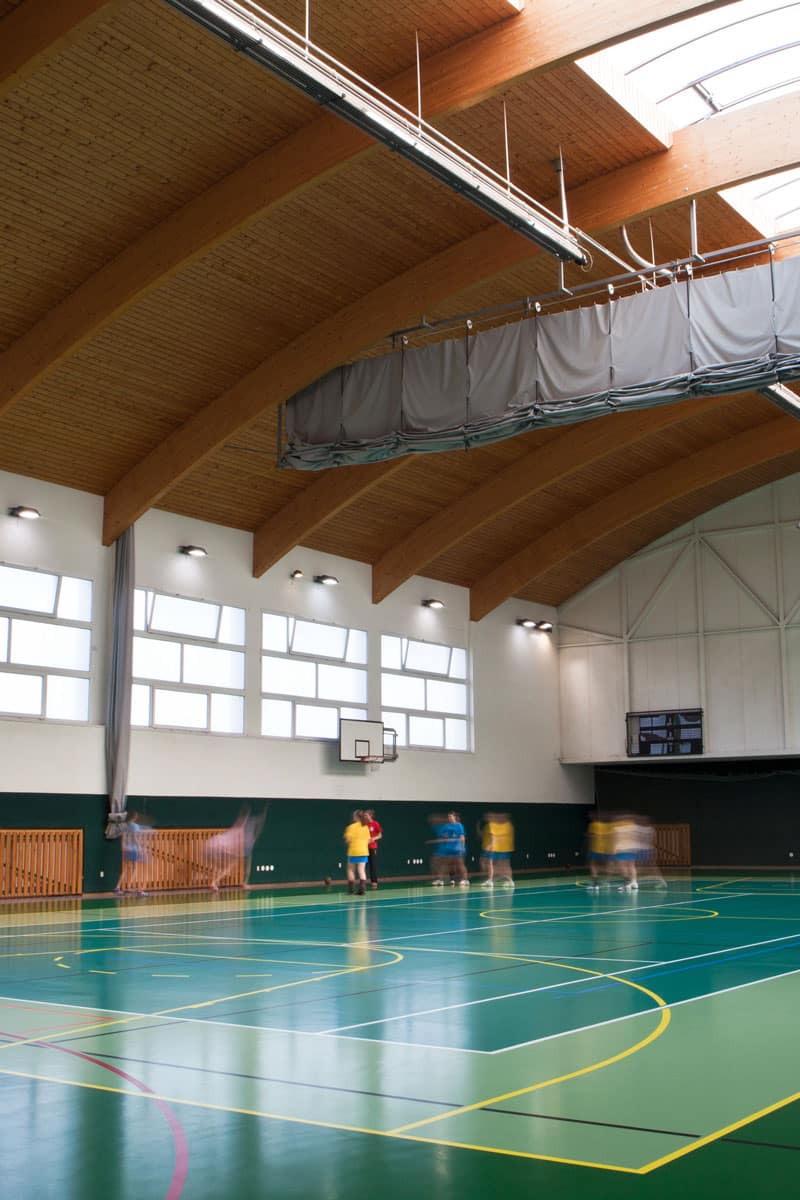
Gyms are acoustically punishing environments. Hard floors, concrete block walls, and high ceilings create reverb that turns clear speech into an echo chamber. Add the ambient noise of several hundred students, and standard speakers are almost useless. It takes a different approach.
Recommended AV Components
High-SPL Ceiling or Array Speakers:
Purpose-built for high-noise, high-reverb environments, these speakers maintain intelligibility at volume levels appropriate for large gatherings and assemblies.
Directional or Controlled-Dispersion Speakers:
Tightly controlled dispersion patterns direct sound at the audience rather than the walls and ceiling, which reduces reflections and dramatically improves clarity.
Wireless Microphone System:
Referees, coaches, and announcers need hands-free communication. A good wireless system works reliably even when the gym is packed and RF conditions are less than ideal.
PA and Emergency Paging Integration:
The gym is often used for large-scale assemblies where emergency announcements are most critical. Direct integration with the school’s PA system ensures messages reach every corner of the space instantly.
Scoreboard and Announcement Display:
Digital scoreboards and LED displays give game scores, event information, and visual announcements a place to live. Modern systems update from a tablet in real time.
Amplifier System with Zone Control:
Separate amplification zones for bleacher areas, the floor, and auxiliary spaces like locker room lobbies let staff control what’s playing where and at what volume.
Noise-Tolerant Intercom Station:
Gym-rated intercom station units with noise-canceling microphones keep communication with the main office clear, even during a packed pep rally.
We’ve worked in gyms where sound bounced around like a pinball machine. The right system design turns that reverb into a non-issue.
Libraries and Media Centers
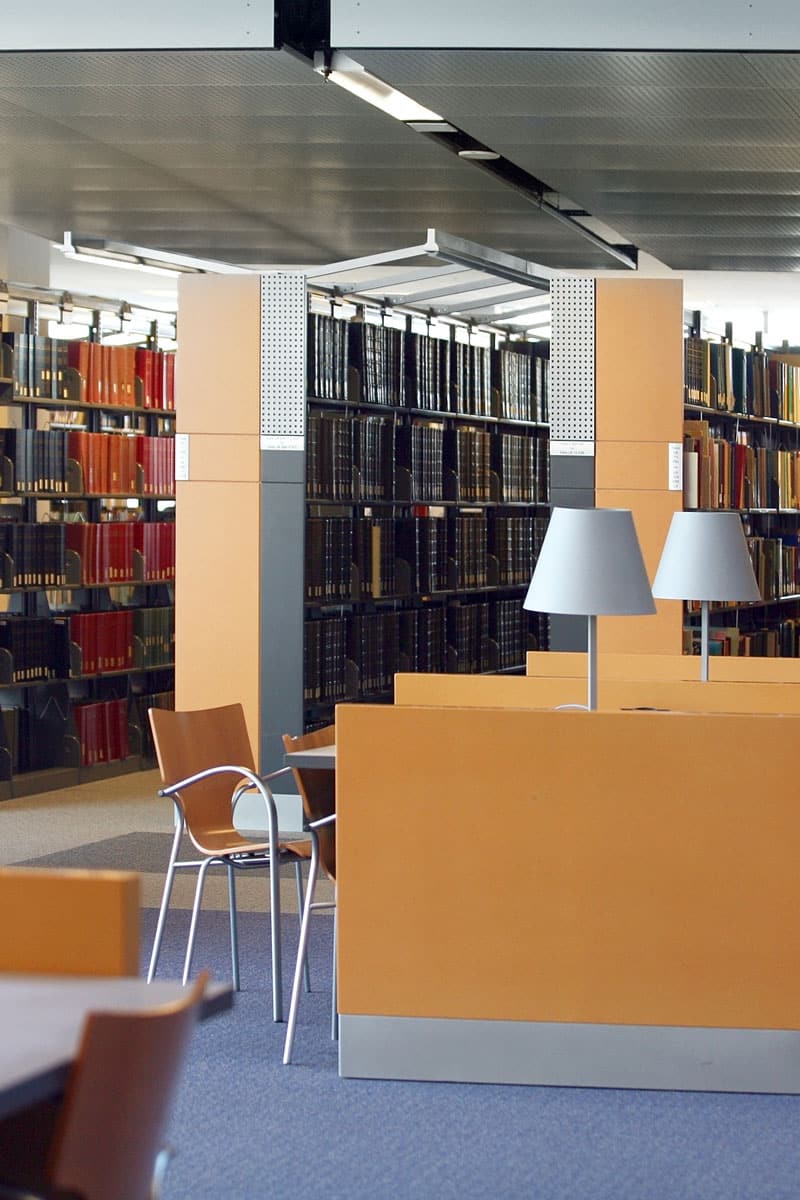
Libraries and media centers serve more functions than they used to. They’re quiet study spaces and collaborative hubs at the same time. The AV system needs to support both functions without one bleeding into the other.
Recommended AV Components
Sound Masking System:
One of the most underrated tools in any school library. A properly tuned sound masking system adds a low-level ambient signal that makes nearby conversations less intelligible without making the room feel loud. Students in the quiet zone actually stay quieter because they’re not unconsciously responding to every noise around them.
Presentation Display or Projector:
Media centers frequently host small-group instruction, presentations, and digital storytelling projects. A wall-mounted display or short-throw projector gives librarians and teachers a flexible teaching surface.
Distributed Background Audio System:
Low-volume, ambient audio for media centers that host events or reading programs allow the same system to carry PA announcements without disrupting students and instructors.
Interactive Flat Panel Display:
Larger media centers benefit from a touchscreen display that students and staff can use for collaborative research, presentations, and media projects. It turns the media center into an active learning space.
Wireless Connectivity and HDMI Input Plates:
Students and teachers need to quickly share content from their own devices. Clean, wall-mounted input plates and robust wireless display options eliminate the cable scramble.
Low-Profile Ceiling Speakers:
Aesthetically unobtrusive speakers maintain the library’s visual calm while still carrying clear audio for announcements and presentations.
Intercom Station with Privacy Mode:
Libraries benefit from a quieter intercom option; one that signals a call visually before audio is broadcast. Staff can acknowledge a call without a loud ring interrupting a reading session.
The best AV systems disappear into the environment and just make everything work.
Common Areas and Hallways
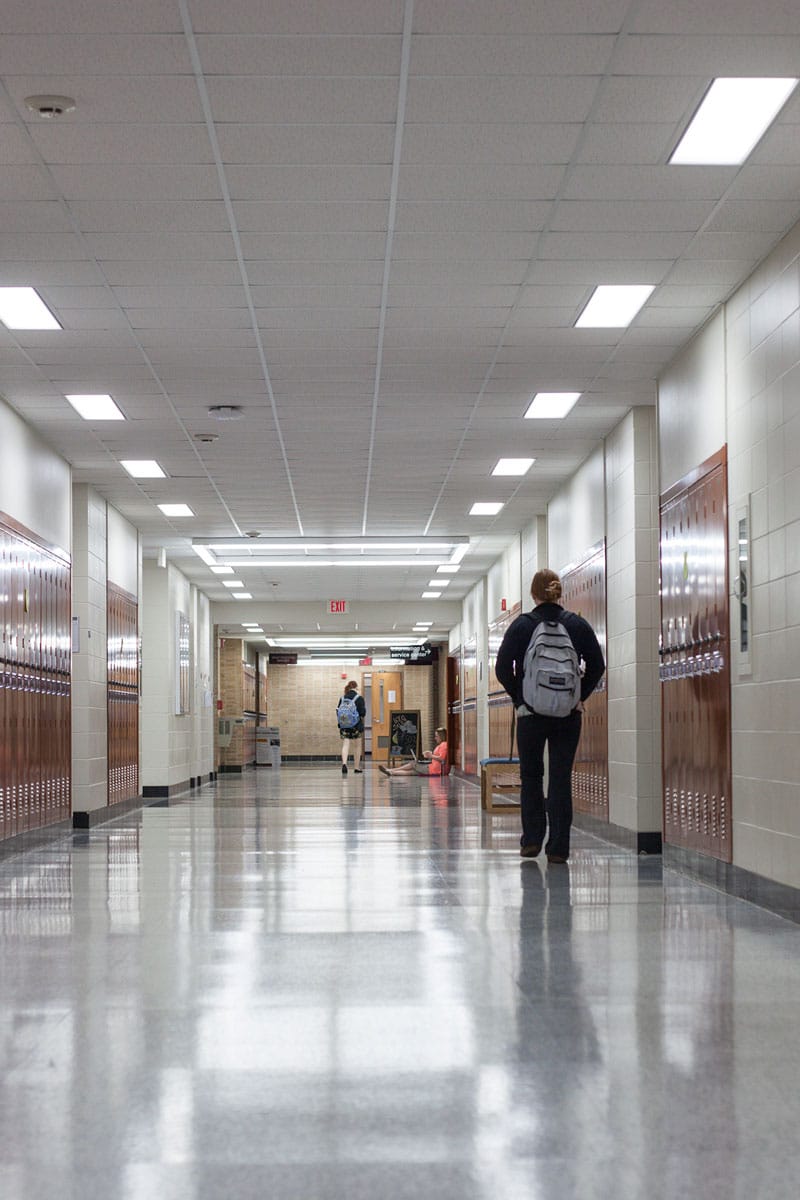
Hallways and common areas are where safety communication is most critical and where a lot of schools underinvest in AV. A PA announcement that’s clear in the classroom but muffled in the hallway during an emergency isn’t serving its purpose.
Recommended AV Components
Distributed Ceiling or Surface-Mount Speakers:
Evenly distributed speaker placement in hallways and common areas makes sure that announcements and emergency alerts reach every person in the building, regardless of where they are. No dead zones.
Digital Signage Displays:
Hallway displays serve a lot of functions: daily schedules, lunch menus, event announcements, emergency notifications, and wayfinding. A well-managed digital signage network lets administrators update content from a single interface, instantly and across every screen.
IP Intercom Stations at Key Checkpoints:
Vestibule intercoms, lobby call stations, and hallway emergency call points give students and staff quick access to the main office without needing to locate a phone.
Emergency Mass Notification Integration:
All hallway and common area speakers should be integrated into a unified emergency notification system so lockdown alerts, evacuation tones, and all-call messages broadcast simultaneously throughout the building.
Background Music and Bell System:
Class change tones, between-period music, and schedule-driven audio cues help maintain the daily rhythm of a school. These systems can be programmed far in advance and adjusted remotely.
Security Camera Integration Points:
Common areas often require video monitoring. AV infrastructure can be coordinated with your security team to ensure camera placement, cabling, and display outputs are all part of a cohesive system design.
Hallway AV infrastructure often goes unnoticed when it’s working well, and becomes very noticeable when it isn’t.

Administrative Offices
The front office is command central. It’s where the intercom system lives, where emergency responses are coordinated, and where visitors get their first impression of the school. AV systems here are less about entertainment and more about operational control.
Recommended AV Components
Master Intercom Console:
The administrative master station is the hub for all intercom communication across the building. Room-by-room call capability, zone paging, all-call announcements, and emergency broadcast modes are all managed from here. The Rauland Eros system is a strong example of what this looks like in practice.
Bell and Scheduling Control System:
Automated bell schedules, class change tones, and PA announcements can all be managed from the administrative console or a dedicated scheduling interface. GPS synchronization keeps every clock and bell in the building precisely coordinated.
Video Surveillance Monitoring Station:
A dedicated monitor that surfaces camera feeds from entry points, hallways, and exterior areas gives office staff a clear picture of who’s in the building and what’s happening at the perimeter.
Video Doorbell and Vestibule Intercom:
Modern school security starts at the front door. A two-way video intercom at the main entrance lets staff see and speak with visitors before buzzing them in, without anyone needing to leave their desk.
Conference Room Display and Video Conferencing:
Administrative meetings, parent-teacher conferences, and district calls benefit from a professional AV setup. A wall-mounted display with an integrated camera and speakerphone puts remote participants on equal footing with those in the room.
PA Broadcast Interface:
The ability to make building-wide announcements quickly, including emergency all-calls, is a core safety function. Simple, reliable controls matter here; this is not a system that should require a manual to operate under pressure.
When something happens in a school, the front office is the first to respond. The AV and communication systems there need to work 24/7.
Outdoor Areas and Athletics
Outdoor athletic spaces present some of the most challenging AV conditions: open air, wind, sun exposure, crowd noise, and distances that swallow indoor speaker setups whole. Getting sound right outside takes purpose-built equipment and deliberate design.
Recommended AV Components
Weather-Resistant Outdoor Speakers:
Speakers rated for outdoor installation handle UV exposure, moisture, and temperature swings that would destroy standard equipment within a season. Coverage patterns are designed for open-air dispersion, not enclosed rooms.
High-Power Amplification System:
Outdoor spaces require significantly more amplifier power to achieve the same perceived loudness as indoor environments.
Wireless PA and Handheld Microphone System:
Coaches, referees, and event announcers need a wireless system that holds up in an open-air RF environment. Frequency diversity and proper antenna placement are critical for reliable performance on a crowded game day.
Press Box AV Package:
For facilities with a press box or announcer’s booth, a dedicated AV package includes a mixing interface, microphone, and integrated speaker control so announcers have clear, isolated communication with the field and stands.
Outdoor Digital Scoreboard or Display:
LED scoreboards built for outdoor viewing have the brightness to compete with direct sunlight. Modern units connect to control apps so scoring updates happen in real time from the sideline.
Exterior Emergency PA Coverage:
Outdoor zones should be included in the school’s emergency notification system. If a lockdown or evacuation is called, students and staff outside the building need to hear it immediately.
Field Lighting and AV Coordination:
Outdoor AV infrastructure is easier to manage when it’s coordinated with field lighting and electrical planning from the start. We work alongside your facilities team to make sure everything goes in the right place the first time.
A Friday night game should sound great, and a Monday morning PE class should be able to hear instructions. Good outdoor AV covers both.
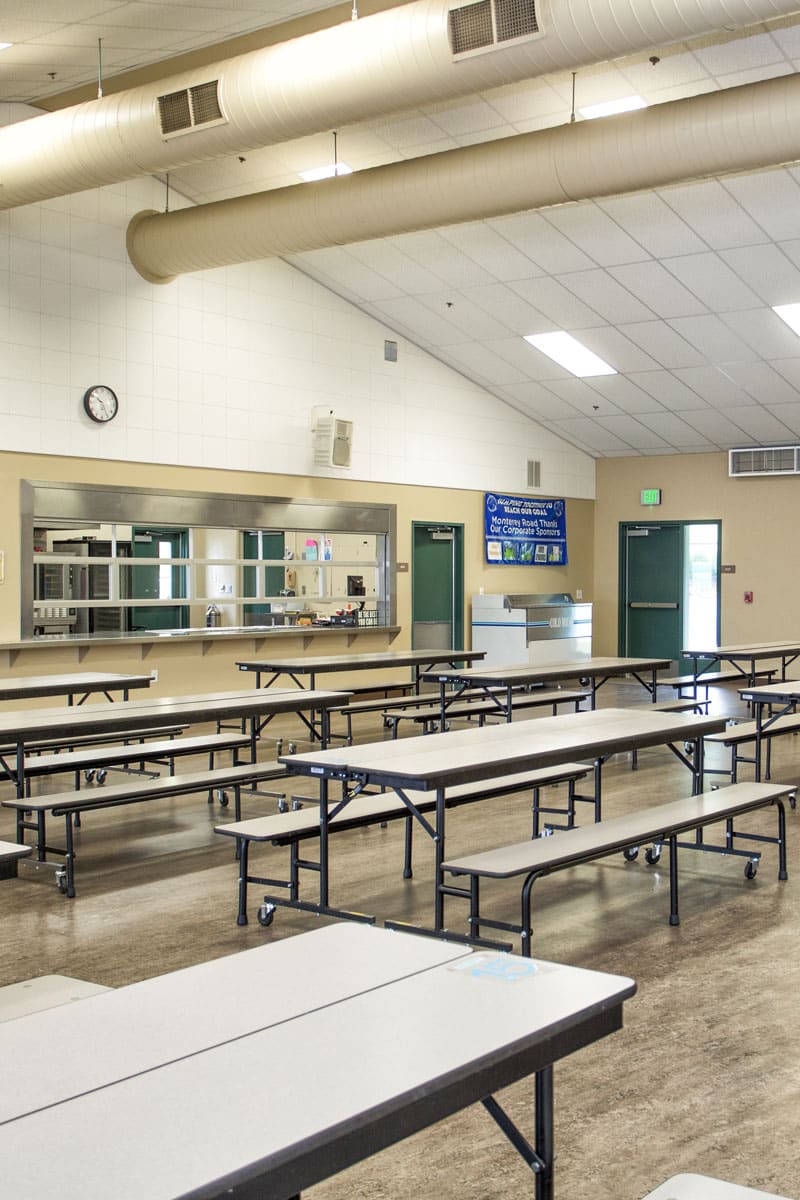
Cafeterias
School cafeterias are loud by nature. Hundreds of students talking at once, hard surfaces on every side, and a kitchen running in the background. The goal isn’t silence; it’s clarity when it counts, and a manageable noise floor the rest of the time.
Recommended AV Components
Sound Masking System:
A cafeteria-tuned sound masking system reduces the conversational effect where loud rooms get louder because everyone raises their voice to be heard. Masking brings the perceived noise level down without anyone noticing how it happened.
Distributed Ceiling Speakers:
Evenly distributed ceiling speakers carry PA announcements, background music, and schedule-related audio throughout the space. Even coverage means no one table is directly under a speaker blasting at full volume while another can’t hear a word.
Wireless Microphone and PA Integration:
A handheld or clip-on mic routed through the cafeteria PA system gives staff a quick way to address students during lunch periods without shouting across the room.
Digital Menu and Announcement Displays:
Wall-mounted displays in cafeterias serve students well: daily menus, event reminders, school news, and emergency notifications.
Background Music System with Zone Control:
Some schools use background music during lunch to moderate noise levels and provide a calmer auditory environment. Zone control lets staff adjust or mute audio in specific sections without affecting the whole room.
Rugged Intercom Station:
Cafeterias see heavy use and a lot of foot traffic. Intercom stations here should be durable, straightforward, and positioned where staff can access them quickly, especially during incidents.
Emergency Notification Coverage:
The cafeteria holds a large portion of the student body at once during peak hours. It needs to be a fully integrated part of the emergency notification system.
Cafeteria AV is often the last system schools think about and one of the first places they wish they’d invested more. Lunch periods go smoother, announcements land clearly, and the general noise level is easier to manage.
Ready to Talk Through What Your School Needs?
Every building is different. We start with a site assessment, map out what each space requires, and put together a system design that fits your budget and your staff’s ability to maintain it. No spec sheets full of acronyms, no one-size-fits-all packages.
Marshall Industries has been doing this for 50 years across Utah, Idaho, and the Mountain West. Get in touch and let’s figure out what works for your school.